How to Disable Hibernation on Windows 10
Key Takeaways To turn off hibernation and delete the hyberfil.sys file, open a Command Prompt window with admin rights […]

Key Takeaways To turn off hibernation and delete the hyberfil.sys file, open a Command Prompt window with admin rights […]
Key Takeaways To disable User Account Control (UAC) on Windows, open the Start Menu and search “UAC.” Select “Change
Key Takeaways To remove Bing from the Windows 10 Start Menu, open the Registry Editor (RegEdit), then paste “ComputerHKEY_CURRENT_USERSOFTWAREPoliciesMicrosoftWindowsExplorer” into
Key Takeaways Launch your Linux terminal and run the command “explorer.exe .” to open File Explorer to that Linux distribution’s
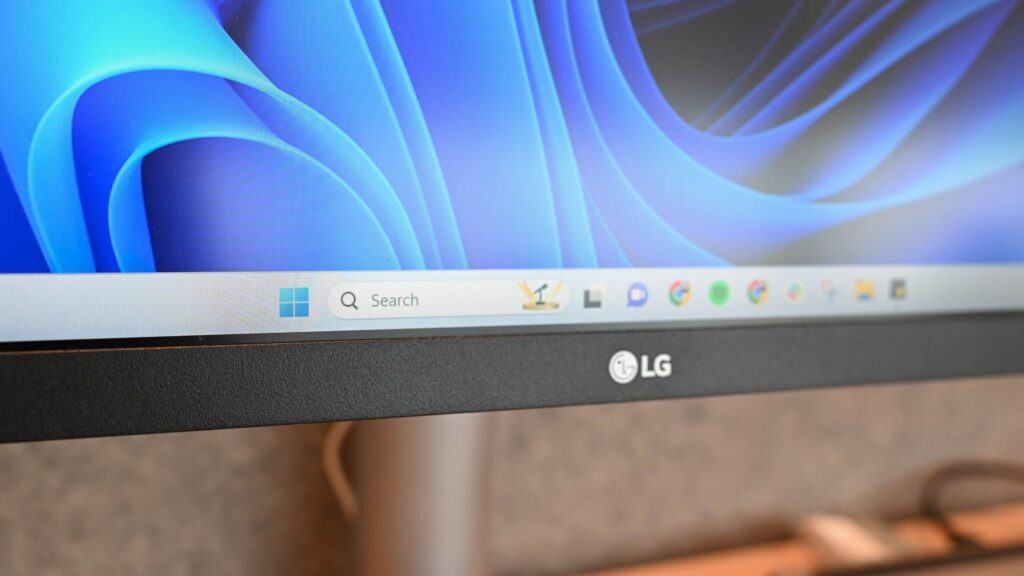
Ungroup Taskbar Icons on Windows 11 Unfortunately, as of Windows 11 version 22H2 (released May 2022), there isn’t a built-in
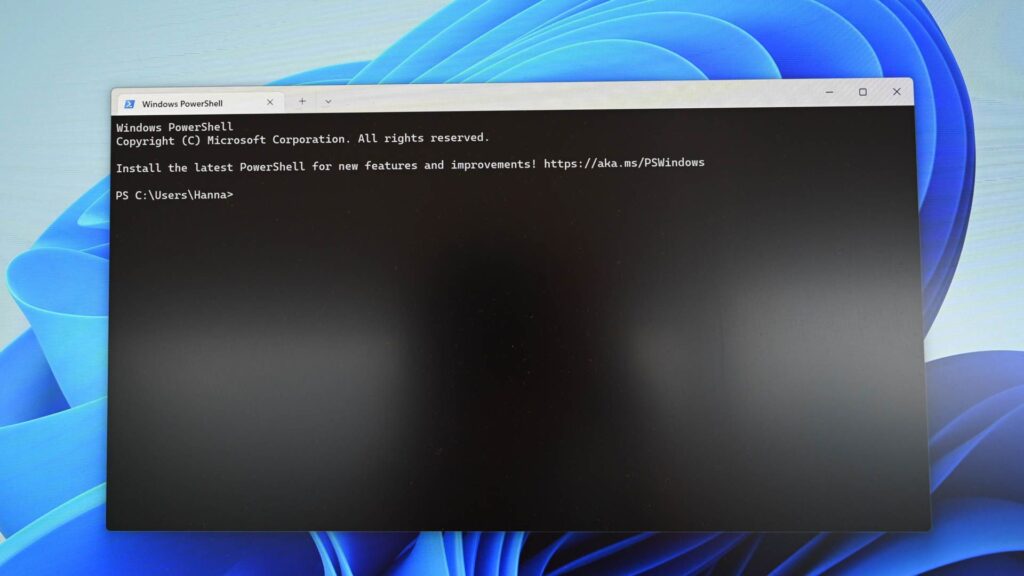
Run an Executable (EXE) File Using Windows PowerShell Key Takeaways To run an executable file without admin rights, launch PowerShell,
Log In Automatically to Windows 11 Key Takeaways You will first need to set “DevicePasswordLessBuildVersion” to “0” in the registry.
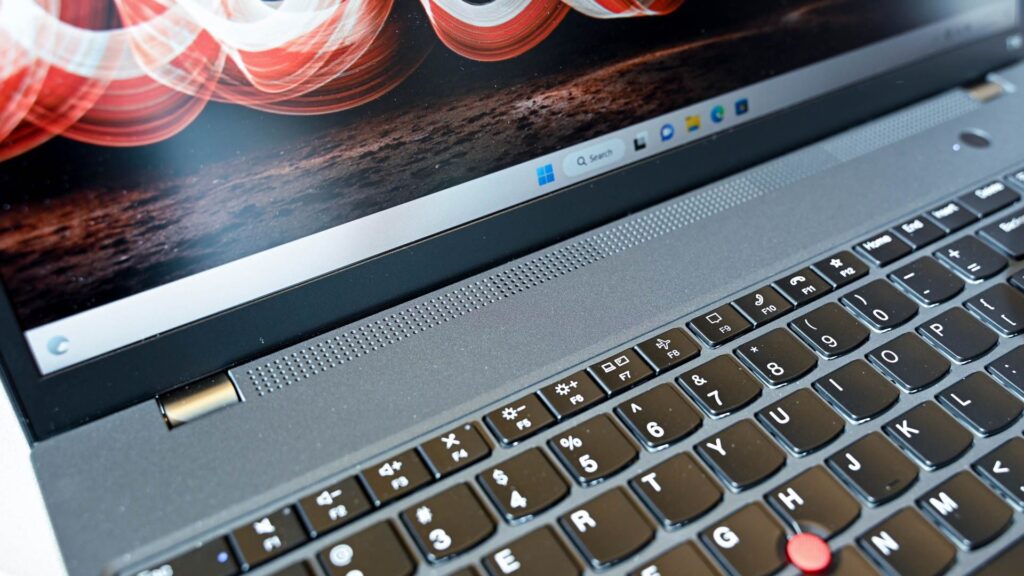
Change Your Sound Volume on Windows 11 There are a number of methods to alter your Sound Volume on Home
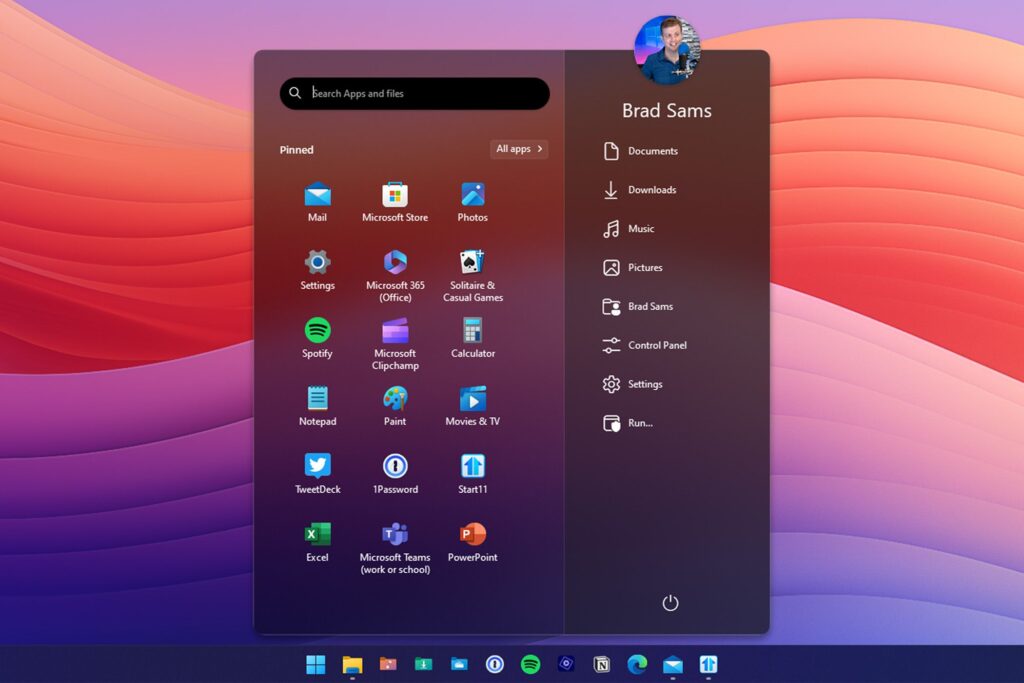
Stardock released the Start11 utility back in 2021, bringing a customizable and powerful Start Menu to both Windows 10

The incredibly popular maintenance and optimization tool for Windows, CCleaner, recently confirmed a data breach that exposed loads of